Subtitles
From OvenMediaEngine 0.19.1 and later, you can insert subtitles into live streams in real time using the API.
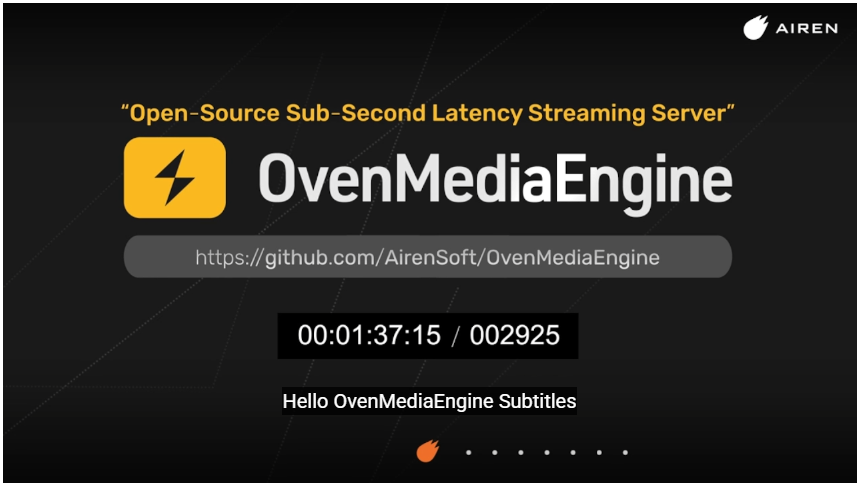
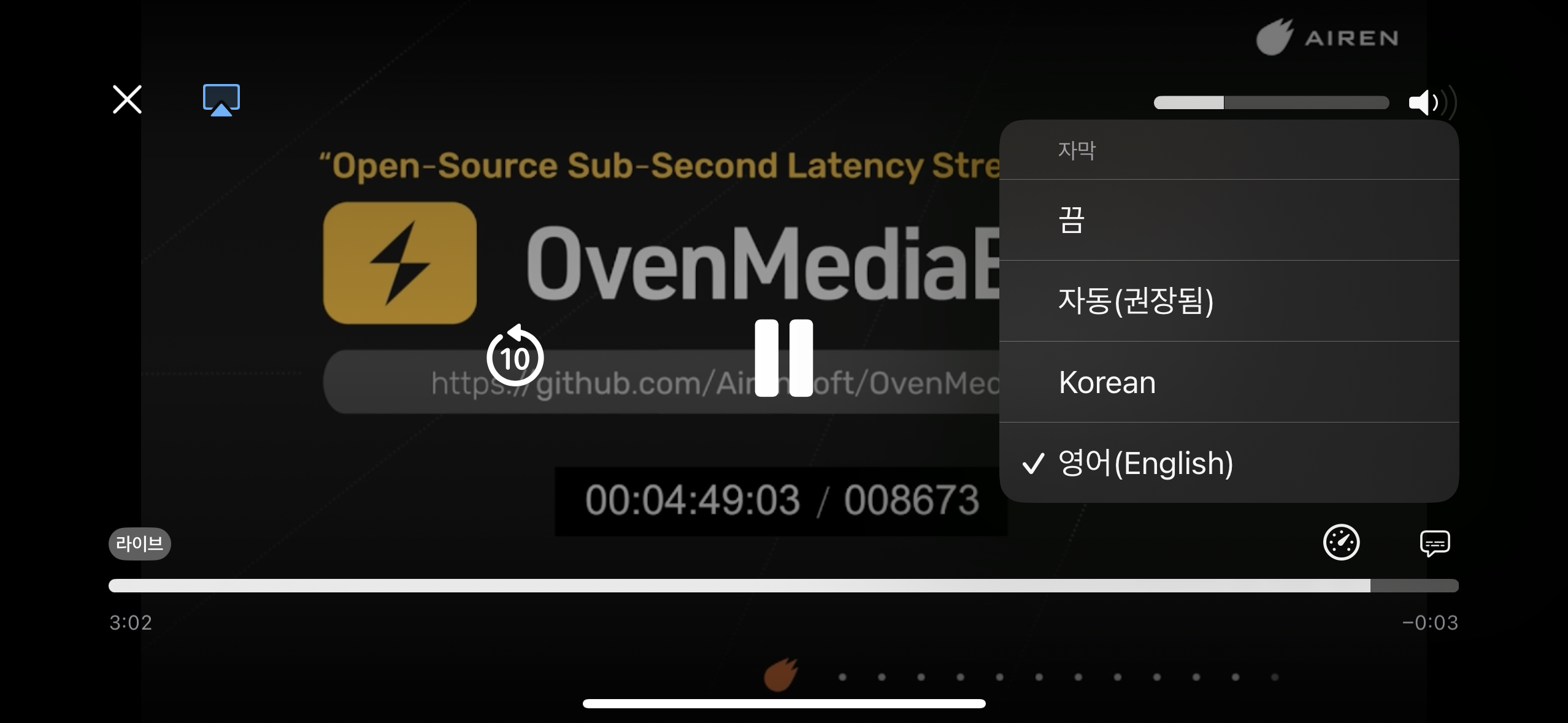
Currently, the LL-HLS and HLS publishers are supported. WebRTC will be supported in future releases.
To enable subtitles, add a Subtitles section under <Application> as follows:
The <Subtitles> configuration has been moved from <Application><OutputProfiles><MediaOptions><Subtitles> to <Application><Subtitles>. Please update your existing configuration accordingly.
<Application>
    <Name>app</Name>
    <Type>live</Type>

    <Subtitles>
        <Enable>true</Enable>
        <DefaultLabel>Korean</DefaultLabel>
        <Rendition>
            <Language>ko</Language>
            <Label>Korean</Label>
            <AutoSelect>true</AutoSelect>
            <Forced>false</Forced>
        </Rendition>
        <Rendition>
            <Language>en</Language>
            <Label>English</Label>
        </Rendition>
    </Subtitles>
    <OutputProfiles>
        ...
    </OutputProfiles>
</Application>
- DefaultLabel: sets the default subtitle label in the player.
- Language: defines the language code (ISO 639-1 or ISO 639-2).
- Label: used to select the track when calling the API.
- AutoSelect: if
true, the player may select this track automatically based on the user’s language. - Forced: if
true, the track is always shown even if subtitles are disabled (behavior depends on the player).
Insert Subtitle Cues
Once subtitle tracks are enabled, you can insert subtitles in real time using the OvenMediaEngine subtitle API. See the API documentation for details.
Playlist Subtitle Disable per Playlist
When subtitles are enabled, all playlists include them by default.
To disable subtitles for a specific playlist, set <Playlist><Options><EnableSubtitles> to false (default : true).
<Playlist>
	<Name>default</Name>
	<FileName>playlist</FileName>
	<Options>
		<EnableSubtitles>false</EnableSubtitles>
		...
	</Options>